Competitive Resolution Switcher

Snap to your
stretched res.

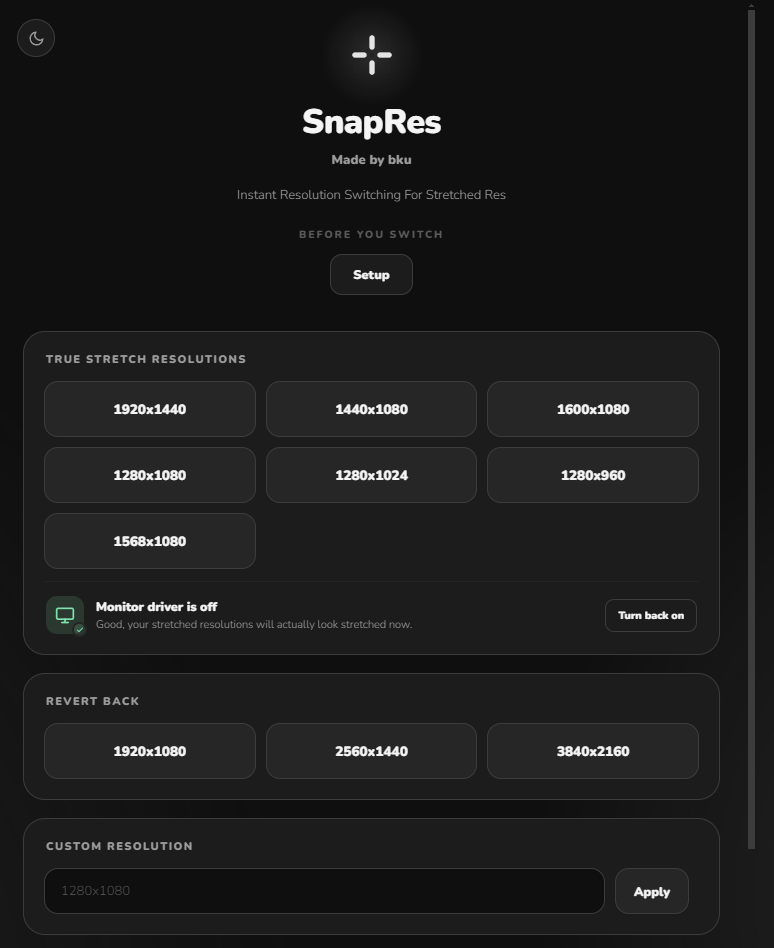
One click swaps your display to the exact stretched resolution you play on — then snaps it back after. No more digging through Windows settings mid-warmup.

SnapRes app window showing stretched resolution presets

Inside The App

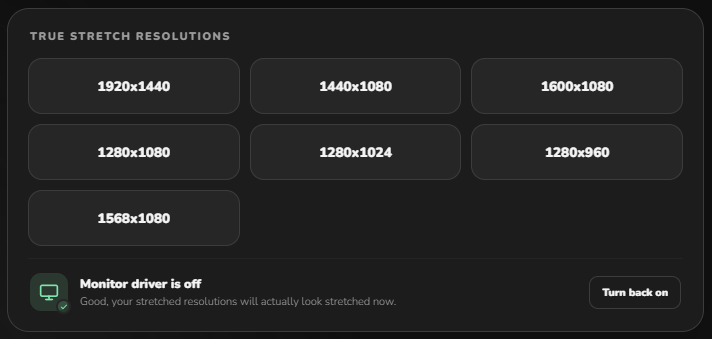
True stretch, one tap away

Every resolution you actually play on, saved as a preset. Tap it, and Windows switches instantly — no menus, no waiting.

True stretch resolution presets in SnapRes
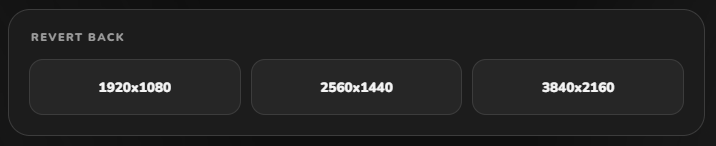
Revert back to native resolution in SnapRes

Revert back just as fast

Match's over? Snap straight back to your native resolution with the same single click.

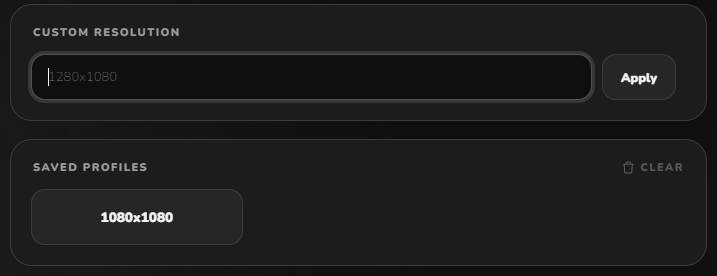
Or type your own

Play something outside the presets? Drop in a custom width × height and apply it directly.

Custom resolution field in SnapRes
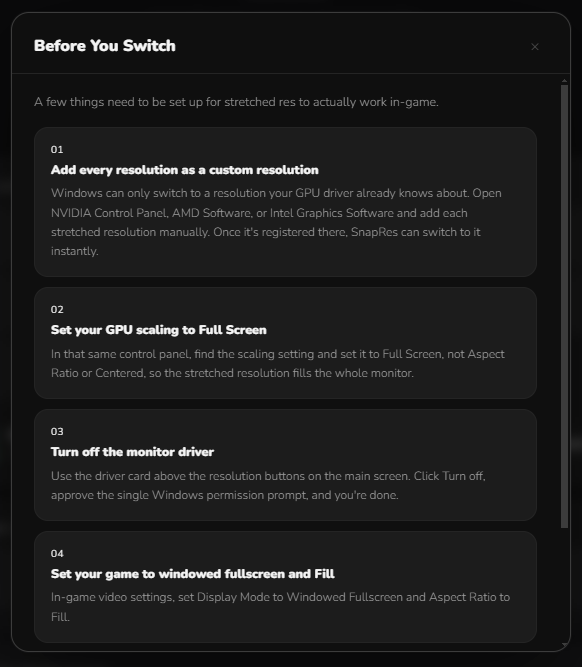
Setup guide inside SnapRes

A setup guide, built in

SnapRes walks you through the one-time driver setup so stretched res actually renders correctly in-game.

Why It's Worth Having

One click

Genuinely just one click. No alt-tab maze through display settings.

Any GPU vendor

Works anywhere a custom resolution can be registered — NVIDIA, AMD, or Intel.

Nothing running idle

No background service, no tray icon eating memory when you're not using it.

Free, no account

No ads, no sign-up, no telemetry. Just the one thing it's built to do.

Ready When You Are

Stop tabbing out mid-warmup.

Grab the latest build and set it up once — every match after that is one click.

Download SnapRes